SolidWorks Annotations: How to Share Markups With Anyone

Annotations carry manufacturing intent well. Review conversations need somewhere else to live. Here is the line, and what to do on each side of it.
The job: getting a note in front of the person who needs it
You can put a note on a model in seconds. Getting that note to a buyer, a machinist or a client who has never opened a CAD program is the part that eats an afternoon.
Annotations in SOLIDWORKS® 3D CAD are good at one of those jobs and were never built for the other. Knowing which is which saves you a lot of exported PDFs.
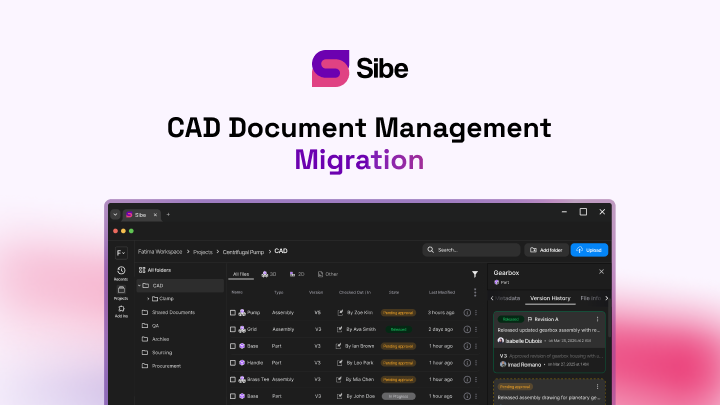
Sibe is a cloud CAD document management platform with a native SolidWorks add-in, built around the second job. Review comments pin to the geometry and open in any browser, so a note reaches a buyer or a machinist without a CAD seat, a viewer install, or another PDF export. What follows is the line to draw: what stays in the file, what moves out of it, and how the second half works in practice.
What annotations in SolidWorks do
Annotations are the notes, symbols and callouts you attach to 2D drawings and 3D models: surface finish symbols, weld symbols, datum targets, geometric tolerances, hole callouts, plain text notes. You reach them from the Annotation toolbar in the CommandManager, or through the Insert menu.
They carry manufacturing intent. A note that says how a face is finished, or which datum a tolerance references, belongs on the model or the drawing, travels with the file, and ends up in front of whoever cuts the part. That is exactly the job they were designed for, and nothing else does it better.
Where they stop
The same properties that make annotations good at manufacturing intent make them awkward for a design review.
- They live inside the file. Reading one means opening the file, which means a CAD seat and the right version
- They are permanent by nature. A dimension callout is documentation; "should this rib be 3mm?" is a conversation, and conversations do not belong in a released drawing
- They crowd the model. Twenty review notes on an assembly make the geometry harder to work with, and someone has to remember to strip them before release
- They do not carry a thread. There is no author, no timestamp, no reply, and no way to mark one resolved
- They do not open in a browser. SolidWorks is a desktop application, so a reviewer on a phone sees nothing
None of that is a fault. It is a format doing what it was designed to do.
Split the two jobs
The teams that lose the least time draw a clear line.
In the file: anything a manufacturer needs — tolerances, finishes, weld callouts, material notes. It travels with the geometry and belongs on the drawing.
Outside the file: anything that is a question, an opinion or an approval. "Can we move this boss 5mm?" is a thread, not a callout. It needs an author, a date, a reply and a resolved state.
Once you split them, the released drawing stays clean and the review conversation stays findable.
How Sibe handles the second half
Reviewers open the live 3D model in any browser from a free public share link or a QR code. No Sibe account, no viewer install, nothing to download.
Comments pin to the geometry, so "this fillet" points at the fillet instead of describing it. Each one carries the author, the date and the version it was written against, and you mark it resolved when it is done.
Engineers keep working in the tool they already use. Files check in and out directly in SolidWorks through the native add-in, and Sibe tracks every version as they go — so a comment written on revision B is still attached to revision B after you release C.
Drawings work the same way. DWG and DXF markups sit alongside the 3D, so the person reviewing a flat pattern and the person reviewing the assembly are looking at the same record.
What to do on Monday
- Open your last released drawing and count the annotations that are questions rather than manufacturing intent
- Move those into a review thread instead, and leave the drawing carrying only what a machinist needs
- Send the next review as a share link rather than a PDF, and see how many emails it saves
Sibe is a collaboration-first CAD document management platform for SolidWorks teams: version control, revision workflows and browser-based design reviews in one place. No servers, no VPNs, no admin hassles.
Book a free 20-minute demo and we will run it against one of your own assemblies, or try Sibe free for 14 days — no credit card.
Book a free Demo with Ken to see Sibe in action


Ken Maren
Chief Solutions Architect
SolidWorks Expert with 30+ Years Experience
Redirecting...
Demo bookings need a company email address. To use a personal one, choose Try Sibe for free below.
.png)