Free Engineering Change Order Template for SolidWorks

Download a ready-to-use ECO template in Word, built for SolidWorks parts, assemblies, and drawings. It covers affected items, impact analysis, implementation, and approvals — replace the blue examples with your own data.
You can download a ready-made Engineering Change Order (ECO) template, fill in your file names and revision levels, and route your next design change for review and approval — all in Word. The template is built for SOLIDWORKS® 3D CAD work: parts, assemblies, and drawings on one form, with fields for impact analysis, implementation, and sign-off.
Download the free ECO template (Word)
The blue entries in the file are worked examples. Replace them with your own part numbers, revisions, and names.
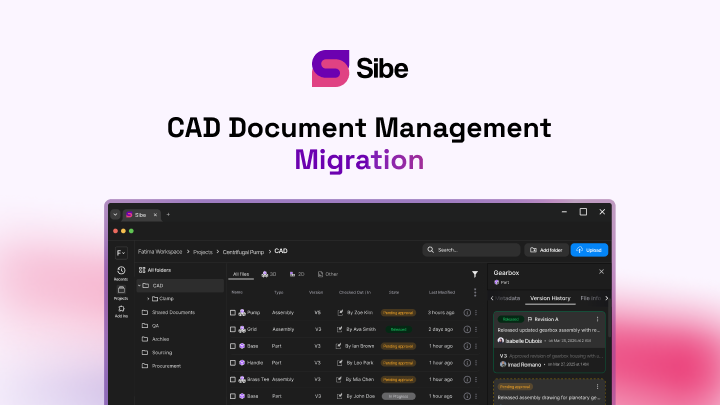
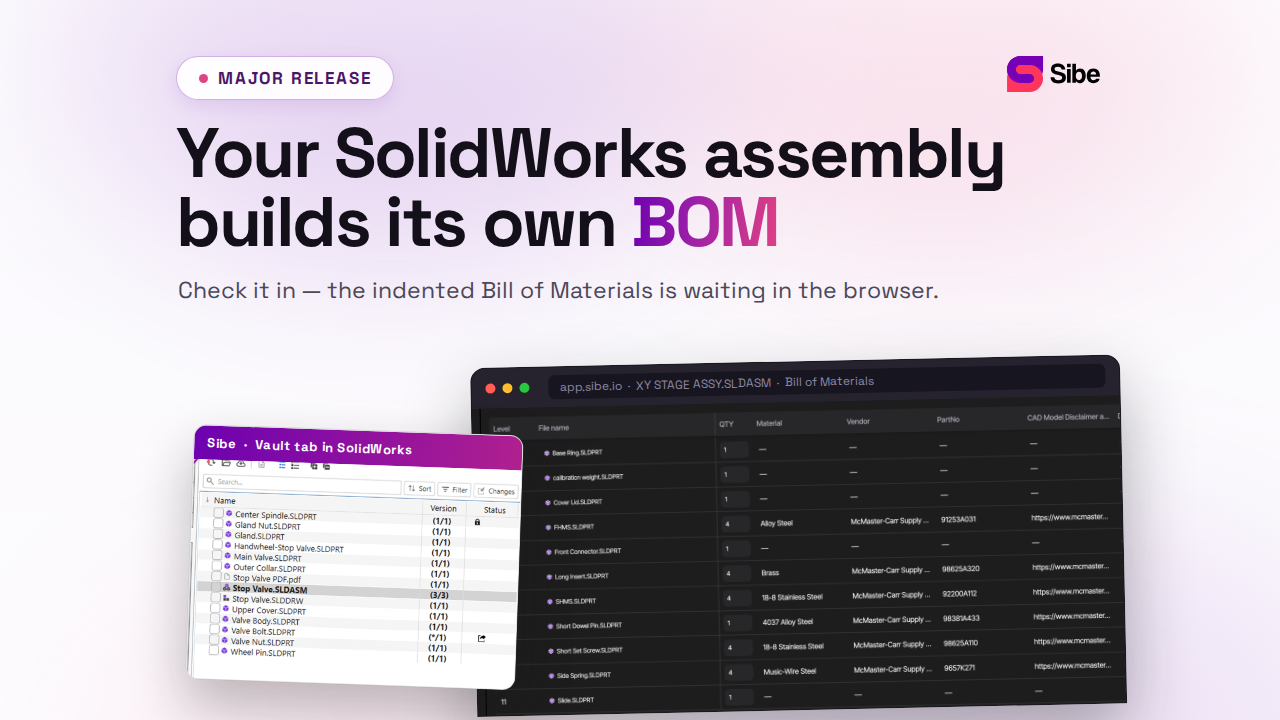
Sibe is a collaboration-first CAD Document Management platform with a native SolidWorks add-in. It pairs naturally with this template: the form documents why a change happens, and Sibe records versions, revisions, and approvals automatically as you check files in and out directly in SolidWorks — so the history half of the form fills itself.
What Is an Engineering Change Order?
An Engineering Change Order is a formal record that defines, evaluates, and approves a change to an existing design, assembly, drawing, or manufacturing process. It goes further than editing a CAD file. An ECO states why the change is needed, which items it touches, how it rolls out, and who signs off.
Skip that record and the failure modes are familiar: file conflicts, assemblies and BOMs that miss the update, and production runs built on the wrong revision.
Why SolidWorks Teams Need a Dedicated ECO Template
SolidWorks files depend on each other. A part (.SLDPRT) feeds assemblies (.SLDASM) and drawings (.SLDDRW), so one edited hole diameter can ripple through mates, drawing views, and the BOM. A generic change form misses those connections. A SolidWorks-specific ECO template makes sure:
- Every file type is listed — parts, assemblies, and drawings appear with their current revision levels
- Version-control actions are written down — check-out, check-in, workflow state, and revision bump for each file
- Impact analysis reaches downstream — BOMs, CNC and 3D-printing output, ERP part numbers, and supplier records get checked before release
- Approvals are traceable — engineering, quality, manufacturing, and procurement each sign before the change ships
The form works the same whether your CAD files live on a shared drive or in a traditional PDM system.
What's Inside the Template
Eight sections carry a change from request to released revision.
1. Header Information
- ECO number
- Date
- Prepared by, reviewed by, approved by
- SolidWorks file references and current revision levels
2. Affected Items
A structured table that lists every file the change touches:
- Part files (.SLDPRT)
- Assembly files (.SLDASM)
- Drawing files (.SLDDRW)
- File name, revision, and document ID for each entry, so the change stays traceable
3. Change Description
A plain statement of what changes in SolidWorks:
- Feature edits — a hole diameter, an added chamfer
- Assembly work — new mates, a swapped sub-assembly
- Drawing updates — corrected dimensions, added annotations
4. Reason for Change
The rationale: a design error, a cost reduction, customer feedback, or a regulatory requirement. Write it down. Six months from now the “why” matters more than the “what.”
5. Impact Analysis
Where the change lands downstream:
- BOMs generated from the affected assemblies — if you manage these in dedicated tools, see our rundown of BOM software
- 2D drawings and exported PDFs
- CAM/CNC and 3D-printing programs
- ERP part numbers and procurement records
- Suppliers and lead times
6. Implementation Plan
How the change rolls out:
- New revision level and effective date
- Check-out and check-in steps, plus workflow state transitions
- Responsible engineer for each file
- Training or communication the change requires
7. Traceability
Links to related ECOs, prior revision levels, and reference documents. The goal: an auditor — or a new hire — can follow the chain of changes years later.
8. Approvals
Signature fields for engineering, quality, manufacturing, and supply chain. A change nobody signed is a change nobody owns.
What a Consistent ECO Process Gets You
- Consistency — every change follows the same steps, so nothing slips through
- Compliance — ISO, FDA, and aerospace audits ask for documented traceability; the completed forms are your audit trail
- Speed — reviewers know where to look and what happens next
- Fewer errors — checking downstream impact before release catches shop-floor mistakes while they are still cheap
One habit makes the template stick: reference the ECO number in your check-in comments, and walk the affected assemblies and drawings through a design review before anyone signs.
Get the Template
An ECO template is more than a form. It is the difference between managed change and quiet chaos: every modification gets a reason, an impact check, and a sign-off before it reaches production. Teams that formalize this keep their agility — and stop building the wrong revision.
Download the free ECO template (Word) — swap the blue example entries for your own data and use it on your next revision.
Need a matching Bill of Materials form? Grab the free BOM templates too.
Where Sibe Fits
The template records the decision. The version history behind it — who changed which file, when, and what got approved — is the part Sibe handles for you. Sibe is a collaboration-first CAD Document Management platform with a native SolidWorks add-in: you check files in and out directly in SolidWorks, and version control runs automatically. Every check-in becomes a tracked version, revisions move through your workflow, and Sibe logs approvals as they happen. The ECO form keeps its job as the decision record — it just stops being the only system of record.
Most teams start change control exactly as this article assumes: Word forms and CAD files on a shared drive. That holds until interdependent references, parallel edits, and remote reviewers outgrow it. Sibe is the step up when that day comes — reviewers open the affected models in any browser through free share links, no Sibe account needed, and setup is live in under 20 minutes.
No servers, no VPNs, no admin hassles. Book a free 20-minute demo or try Sibe free for 14 days — no credit card.
Book a free Demo with Ken to see Sibe in action


Ken Maren
Chief Solutions Architect
SolidWorks Expert with 30+ Years Experience
Redirecting...
Demo bookings need a company email address. To use a personal one, choose Try Sibe for free below.
.png)