Onshape PDM vs Sibe: Which Fits Your SolidWorks Team?

Two cloud routes to controlled SolidWorks data — a native add-in that keeps you in SolidWorks, or a platform built around its own browser CAD — compared point by point.
You can get cloud version control and browser sharing for your CAD work in two very different ways: keep modeling in SOLIDWORKS® 3D CAD and add document management through a native add-in, or move CAD and data management together onto one browser platform. That is the real choice between Sibe and Onshape PDM — and it decides more than any single feature row below.
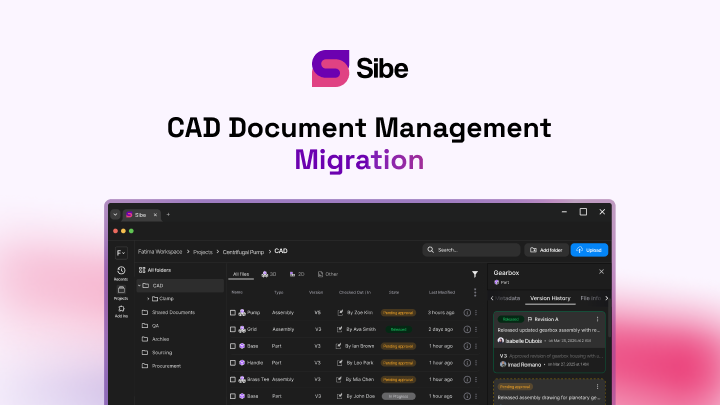
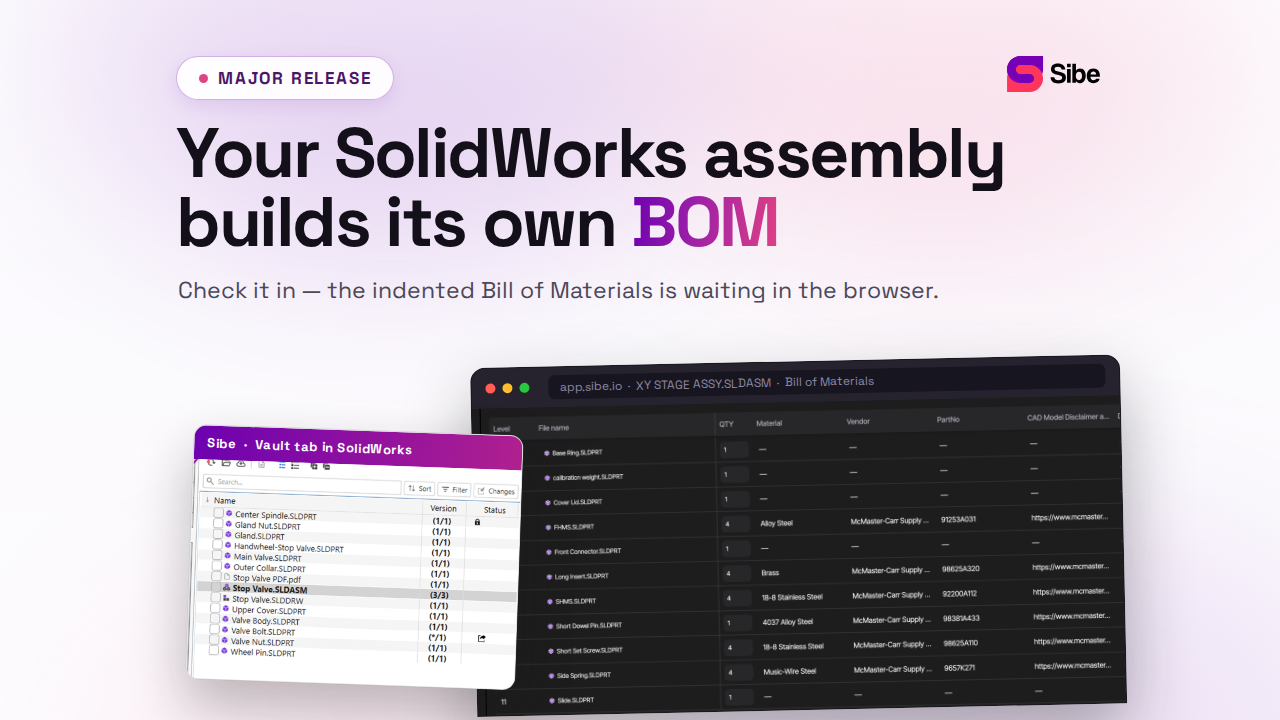
Sibe is a collaboration-first CAD Document Management platform with a native SolidWorks add-in. You check files in and out directly in SolidWorks, Sibe tracks every version, and assembly references resolve automatically — including parts shared across projects.
Onshape PDM is part of Onshape, PTC's cloud-native CAD platform. Data management is built into the CAD itself: every Onshape document carries its full history, and versioning, branching, and release management run as platform features in the browser (Onshape public documentation, accessed 31 August 2026).
The core difference: where your CAD lives
Onshape PDM is built around Onshape's own CAD. Its version tree, branches, and releases operate on Onshape documents, and the whole environment runs in a browser. A team that designs in Onshape gets data management with nothing extra to install.
Sibe works natively with SolidWorks — no need to switch CAD. The add-in sits in the SolidWorks task pane, your parts, assemblies, and drawings stay in their native formats, and a local cache folder mirrors your project structure, so day-to-day file work feels familiar from the first check-in. Everything else in this comparison follows from that split.
Setup and onboarding
| Area | Onshape PDM | Sibe |
|---|---|---|
| CAD environment | Onshape's browser-based CAD | SolidWorks on your desktop, unchanged |
| Data management layer | Built into every Onshape document | Native add-in in SolidWorks plus a web dashboard |
| Servers to run | None — fully cloud | None — fully cloud |
| File formats | Onshape documents; existing CAD data is imported into the platform | Native SolidWorks parts, assemblies, and drawings |
| Getting started | Create the account structure, then bring CAD data into the platform | Install the add-in and connect a workspace — live in under 20 minutes |
Neither platform asks you to run a server. The difference is what changes for the engineer: on Onshape, the modeling environment itself; with Sibe, only where files check in and out.
Version control and design history
| Area | Onshape PDM | Sibe |
|---|---|---|
| History model | Continuous document history with named versions | A version recorded at every check-in — who, when, and what changed |
| Working model | Branch and merge | Check-out/check-in with file locking |
| Parallel work | Variants explored on branches, merged back | Parts and subassemblies check out separately, so several engineers work at once |
| Older versions | Earlier versions restored from the document history | View an older version directly in SolidWorks, or restore it from the dashboard |
Branching suits teams that explore design variants in parallel and merge the winner. Check-out/check-in matches how most SolidWorks teams already think about files: one owner per file at a time, a lock everyone can see, and a history that reads like a logbook. Sibe also locks common parts reused across assemblies — the place where accidental overwrites usually happen on shared drives. The mechanics are on the cloud version control page.
Collaboration and sharing
Both platforms put a design in front of reviewers without a CAD license.
Onshape shares documents with named users at set permission levels, and its real-time architecture lets several people view a document as it changes (Onshape public documentation, accessed 31 August 2026).
Sibe generates a free public share link — with a QR code — for any model or drawing. Reviewers, clients, and suppliers open the live 3D model in any browser: no Sibe account, no viewer install. They spin the model, measure it, and pin comments to the exact part, and the feedback comes back tied to that file and version. Role-based permissions and download restrictions control what leaves the workspace. See design reviews and secure design sharing.
Release and revision workflows
Onshape includes release management with approval workflows as a built-in platform capability (Onshape public documentation, accessed 31 August 2026).
Sibe moves files from In Progress to Released through Release Candidates: select multiple files, create the candidate, review it, and approve or reject in one pass. Released files lock, so manufacturing never pulls geometry that is still moving, and a Released file transitions back to In Progress when work resumes. Every step lands in the audit trail. Details on the revision and approval workflow page.
Pricing approach
Onshape sells per-user subscriptions that cover CAD and built-in data management together; current plans are published on onshape.com (accessed 31 August 2026).
Sibe prices per member, with the numbers published on the pricing page. Viewers stay free — reviewers and clients open share links in a browser without taking a paid seat — and the 14-day trial needs no credit card.
What to check before you commit
- Where modeling happens — browser CAD, or the SolidWorks seats you already run
- How assembly references behave when files move, rename, or get copied
- What a reviewer without a CAD license needs before they can open a design
- How a release locks, and what it takes to revise it afterward
- What adoption means for existing project folders and live jobs
- What the per-seat price covers, and what viewers cost
Which one fits your team?
Onshape PDM fits teams that design in Onshape or plan to move their modeling there. Data management arrives built in, versioning is continuous, and the browser is the whole environment.
Sibe fits teams that keep SolidWorks. Version control, revision workflows, and browser sharing arrive as an add-in — the CAD seat, the file formats, and the muscle memory stay exactly where they are.
Where Sibe fits
If your team designs in SolidWorks and the daily pain is file conflicts, accidental overwrites, and untracked revisions, Sibe adds version control without touching the CAD seat: check-in and check-out directly in SolidWorks, automatic version history, assembly references that resolve on their own, and share links any reviewer opens in a browser. Connect the add-in, check in a project, and you are live in under 20 minutes. No servers, no VPNs, no admin hassles. Book a free 20-minute demo or try Sibe free for 14 days — no credit card.
Book a free Demo with Ken to see Sibe in action


Ken Maren
Chief Solutions Architect
SolidWorks Expert with 30+ Years Experience
Redirecting...
Demo bookings need a company email address. To use a personal one, choose Try Sibe for free below.
.png)