PDM Systems for SolidWorks: How to Choose (Buyer's Guide)

What a PDM system actually does for a SolidWorks team, how the main options differ, and the questions that decide the choice — plus a lighter route if you are not ready to run one.
You can narrow the PDM decision down to five questions: how many engineers touch CAD, how many sites you run, what IT support looks like, what has to happen when a design releases, and who outside engineering needs to see the work. Answer those, and most of the market sorts itself into two or three realistic candidates.
This guide covers what a PDM system does for a team working in SOLIDWORKS® 3D CAD, the main options on the market, and how to match one to your team — including a lighter route if you are not ready to run a PDM at all.
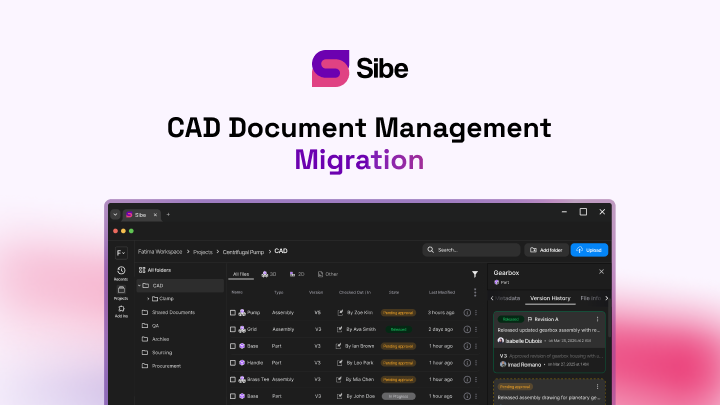
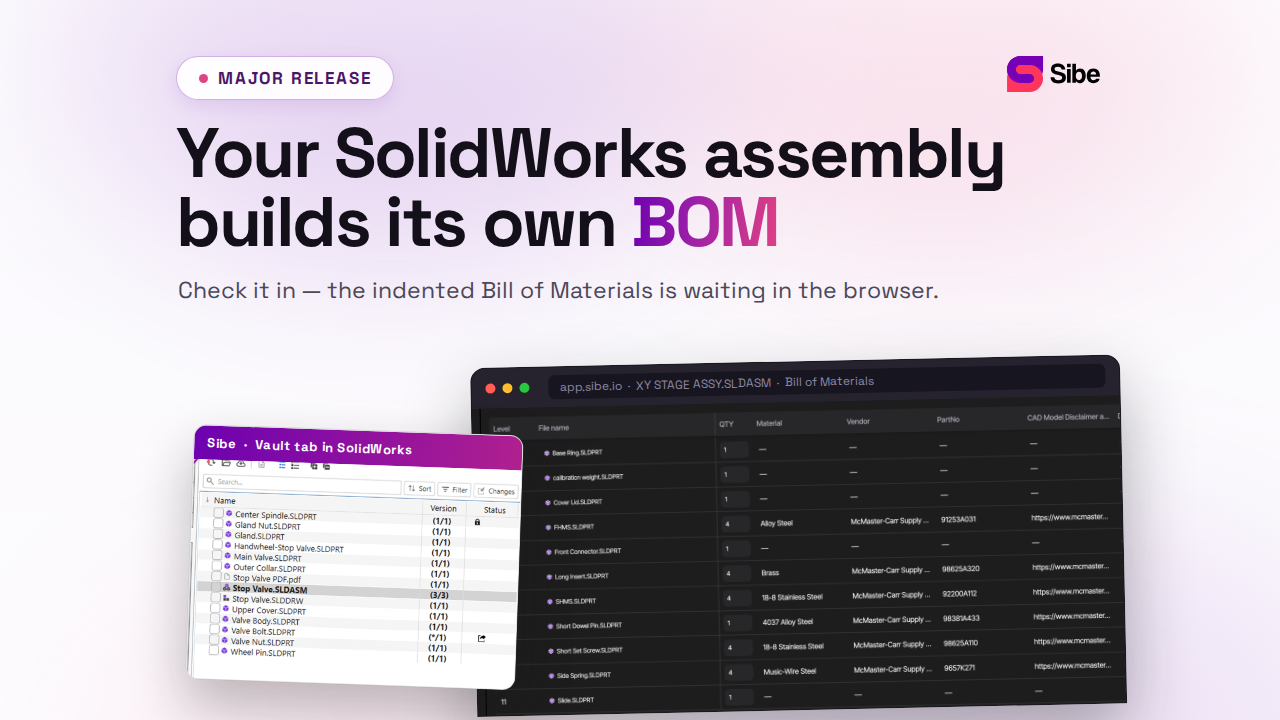
Sibe is a collaboration-first CAD Document Management platform with a native SolidWorks add-in — the lighter route many teams in this evaluation land on. Engineers check files in and out directly in SolidWorks, Sibe tracks every version, and reviewers open designs in any browser. The last section of this guide covers when that fits.
Why a SolidWorks team reaches for a PDM system
SolidWorks models the parts. It does not manage what happens to the files afterward — and on a shared drive, that is where projects go wrong. Assembly references break when folders move, two engineers save over each other's work, and nobody can say for certain which revision the shop built.
A product data management (PDM) system closes those gaps. Set up properly, it:
- Prevents file conflicts and accidental overwrites
- Tracks versions and revisions on every file
- Moves designs through defined review and approval steps
- Keeps an audit trail across product development
- Gives clients and non-CAD reviewers controlled access to designs
The question is rarely whether that control is worth having. It is which system delivers it at a size and cost your team can actually run.
The options on the market
The realistic candidates fall into three groups: the PDM products from the CAD vendor, third-party tools, and cloud CAD document management — the route covered at the end of this guide. Here is each option on its own terms.
SOLIDWORKS PDM Standard
PDM Standard is the entry tier of Dassault Systèmes' PDM line, included with SOLIDWORKS Professional and Premium licenses. It runs a vault on SQL Server Express, works through Windows Explorer and a CAD add-in, and gives small teams check-in and check-out, version history, and a predefined workflow. It is designed for a single site and does not include task automation, replication, or API integrations. (Dassault Systèmes product documentation, accessed 31 August 2026.)
Typical fit: a small team in one location that already holds the qualifying CAD licenses and has IT support to stand up and maintain the server.
SOLIDWORKS PDM Professional
PDM Professional is the full-scope tier, licensed separately per user. It adds workflows you configure yourself, task automation such as PDF generation on release, vault replication across multiple sites, broader non-CAD file handling, and an API used for ERP and MES connections. It runs on dedicated server infrastructure with full SQL Server, administered in-house or through a reseller. (Dassault Systèmes product documentation, accessed 31 August 2026.)
Typical fit: mid-size and larger engineering organizations with multiple sites, integration requirements, and budget for servers and administration.
GrabCAD Workbench
Workbench offered free cloud file sharing with basic versioning and a SolidWorks plug-in, and many small teams used it as a lightweight step up from a shared drive. GrabCAD has discontinued Workbench, so it is no longer a candidate for new deployments — teams still on it are choosing where to move.
OpenBOM
OpenBOM approaches the problem from the bill of materials side. It connects to SolidWorks through an add-in, builds BOMs and part catalogs, and is strongest in purchasing and supplier collaboration. It manages the BOM rather than the full file lifecycle — teams that need check-out locks and release workflows pair it with a file management layer.
Shared drives
Google Drive, OneDrive, Dropbox, and network shares deserve a mention because most evaluating teams work on one today. They store files and sync them. They do not lock a file while someone edits it, track CAD revisions, or resolve assembly references — which is why a moved folder breaks an assembly and two engineers can overwrite each other's work without any warning.
Standard vs Professional at a glance
If the vendor tiers are on your shortlist, this is the capability split between them:
| Capability | PDM Standard | PDM Professional |
|---|---|---|
| Custom workflows | No | Yes |
| Task automation (PDF, DXF on release) | No | Yes |
| Multi-site replication | No | Yes |
| API and ERP integration | No | Yes |
| Database | SQL Server Express | Full SQL Server |
| Licensing | Included with SOLIDWORKS Professional and Premium | Separate per-user purchase |
(Dassault Systèmes product documentation, accessed 31 August 2026.)
Weigh the add-in as heavily as the backend
Whatever lands on your shortlist, test how it behaves inside the CAD session. Engineers live in the modeling window; a data management tool earns adoption when check-in, check-out, and revision updates happen directly in that session instead of a separate application. In practice, the depth and usability of the add-in decides day-to-day adoption as much as the backend architecture does — a vault nobody uses protects nothing.
The questions that decide it
- How many engineers, how many sites? One site and a handful of engineers keeps every option open. A second design office pushes you toward replication or a cloud platform.
- Who administers it? A vault needs a server, a database, backups, and a person who owns them. If nobody on the team can carry that, weight the no-infrastructure options.
- What does release mean in your shop? If released files must be locked, exported for manufacturing, and traceable, workflow depth matters more than storage features.
- Who reviews designs? Clients and non-CAD teammates need a way in that does not involve installing CAD or requesting licenses.
- How fast do you need to be live? Server deployments are planned in weeks; cloud platforms in minutes to hours. Match the setup effort to your project calendar.
Matching a route to your team
| Team type | Typical route | Why |
|---|---|---|
| Small team, one site, IT support in place | SOLIDWORKS PDM Standard | Bundled with qualifying CAD licenses, covers core file control |
| Multi-site organization with ERP integration needs | SOLIDWORKS PDM Professional | Replication, configurable workflows, task automation, API |
| BOM-and-purchasing-centric workflows | OpenBOM | Part data, catalogs, and supplier collaboration first |
| 2–30 engineers, no full-time admin, distributed work | Cloud CAD document management | Version control and reviews with no server to run |
A buyer's checklist before you commit
- Pilot with your own largest assembly, not a demo dataset
- Count the full yearly cost: licenses, server, database, admin hours
- Test how references survive a folder move and a rename
- Check the review path for clients and non-CAD teammates
- Confirm setup time and who carries the maintenance work
- Ask what an upgrade costs in downtime each year
Where Sibe fits
Not every team is at the point of standing up a PDM. If you are two to thirty engineers, have no full-time admin, and would rather not buy a server this quarter, cloud CAD document management covers version control, revision workflows and design reviews without any of that.
Sibe is built for exactly that team. The native add-in means engineers check files in and out directly in SolidWorks while Sibe tracks every version. Assembly references resolve automatically, including parts shared across projects, and a local cache folder mirrors your folder structure so the paths on disk stay familiar.
Reviews run in the browser: send a client or a machinist a free public share link or a QR code, and they open the live model, spin it, measure it, and comment — no Sibe account, no viewer install.
- Automatic version and revision control on every check-in
- Revision and approval workflow with a full audit trail
- Design reviews in any browser, comments pinned to the model
- Transparent pricing, live in under 20 minutes
No servers, no VPNs, no admin hassles.
Book a free 20-minute demo or try Sibe free for 14 days — no credit card.
Book a free Demo with Ken to see Sibe in action


Ken Maren
Chief Solutions Architect
SolidWorks Expert with 30+ Years Experience
Redirecting...
Demo bookings need a company email address. To use a personal one, choose Try Sibe for free below.
.png)