PDM Workflows Explained: From Check-In to Released Files

How a PDM workflow carries a SolidWorks file from first check-in to a locked released state, and how to set up states, approvals, and revisions that hold.
You can trace any released file back to who approved it, when, and what changed since the previous revision — that is what a working PDM workflow gives you, and it is the difference between a folder full of CAD files and a managed release process.
This article explains how a PDM workflow carries a SOLIDWORKS® 3D CAD file from first check-in to a locked released state: the stages, the states and approvals worth setting up, how different industries run them, and where traditional deployments strain.
Sibe is a collaboration-first CAD Document Management platform with a native SolidWorks add-in, and this workflow is built in: work moves from In Progress to Released with approvals recorded and a full audit trail kept as you go. The closing section covers how that works in practice.
What a PDM workflow is
Product data management (PDM) captures and coordinates product information through the design lifecycle — CAD models, drawings, specifications, and the bills of materials built from them. The vault sits under the CAD tool, tracks file versions, manages change, and connects design data to the business systems around it.
The center of any PDM is the workflow: a guided sequence that moves files from first concept to final release, with defined checkpoints for review and approval. A configured workflow documents every revision with a timestamp, the user, and the reason for change. That record gives the team a single source of truth and keeps version mix-ups out of production. Most platforms also attach automated actions to workflow transitions — notifications, exports, state changes — so the process runs itself while engineers stay on design work.
The stages: from check-in to released
Workflows vary by organization, but most follow the same pattern:
- Data creation: Engineers build or revise models, drawings, and specs, then check them into the vault, which records the version.
- Review and collaboration: Subject-matter reviewers inspect files for function, safety, and compliance, with feedback collected in one place against one authoritative version.
- Approval and release: Authorized leads approve the design. Files move to a Released state that locks the specification for downstream use.
- Vaulting and indexing: Released documents are stored, versioned, and indexed so manufacturing and purchasing find them fast.
- Distribution and access: Permissions and notifications route the correct version to each group and keep outdated files out of circulation.
- Change management: A change request reopens the file through a formal review, with every step logged for traceability.
- Concurrent work: Multiple specialists work in the same vault while check-out locks prevent file conflicts and accidental overwrites.
- Lifecycle integration: When a product retires, final data is archived and feeds future designs or a broader PLM effort.
The structured sequence is the point. Consistent naming, versioning, and approvals turn a disorganized process into a pipeline where errors surface early instead of on the shop floor.
Setting up states and approvals that hold
Most teams need fewer states than they expect. A workable baseline:
- In Progress — the engineer owns the file; every check-in records a version
- In Review — the file is frozen for edits while reviewers approve or reject
- Released — locked; manufacturing works only from files in this state
Three rules keep the setup honest. First, define who moves a file between states — approval means a named person, not whoever gets there first. Second, bump the revision on release, not on every save, so revision letters track what the shop actually sees. Third, make the path back explicit: when a released part needs work, it transitions back to In Progress through a recorded change, never through a quiet re-save. A workflow with loopholes is a folder structure with extra steps.
How industries run it
Automotive: managing complex assemblies
A vehicle program spans chassis, powertrain, interior, and electronics teams working on thousands of parts at once. The workflow acts as the central control point: real-time updates, controlled approvals, and managed product variants built on the same base platform. Change control is a safety matter here — one wrong part can mean a recall. When an error surfaces, the team traces which version introduced it, who approved it, and what the fix affects, in minutes instead of meetings.
Aerospace: traceability and compliance
Aircraft carry millions of components regulated by agencies like the FAA and EASA. The workflow provides the required traceability: every design revision is documented alongside stress analyses, safety checks, and compliance evidence. Programs run for decades, so the archive matters as much as the active work — an engineer planning a retrofit twenty years in can pull the original, fully documented design and show an auditor the approval chain behind it.
Consumer electronics: high-speed collaboration
Product cycles are short and mechanical, electrical, and firmware work runs in parallel. The workflow keeps enclosure revisions paired with the right board revision and centralizes the BOM, so a part substitution is worked against the current design instead of a stale spreadsheet. With overseas manufacturing partners in the loop, it also controls exactly which approved data leaves the building — less miscommunication, less rework.
Where traditional deployments strain
A workflow delivers control only when people actually use it, and classic on-premise deployments put obstacles in the way. The common friction points, regardless of vendor:
Setup and maintenance
An on-premise vault means servers, a database, client installs, and an administrator. Backups, user accounts, and upgrades are ongoing work — and vault and CAD versions have to move in step, so an upgrade is a project, not a patch. Teams without a dedicated CAD manager feel this the most.
Cost shape
Licenses are the visible line; server hardware, database licensing, IT hours, and training sit underneath. Per-seat pricing tempts companies to license engineering only, and when purchasing and manufacturing stay outside the vault, work re-enters email and spreadsheets — the single source of truth splits.
User friction
If the vault feels slow or confusing, engineers route around it, and files end up on desktops and USB sticks, unmanaged. Adoption is the whole game: a workflow only holds if checking in is easier than not checking in.
Multi-tool reality
Vaults are strongest in their native CAD environment. Mixed-CAD shops, or links to ERP and project tools, often need custom connectors — or duplicate manual bookkeeping to keep systems aligned, which undercuts the single source of truth.
Remote work
A vault designed for a local network needs VPNs, replication servers, or gateways once the team distributes. Latency and file conflicts follow, and onboarding an external partner becomes an IT ticket instead of a link.
The shift to cloud workflows
Cloud platforms answer that friction directly:
- Provider handles updates — no server migrations on your calendar
- No VPN — authorized users work from anywhere
- Browser access for reviewers outside engineering
- Subscription pricing instead of upfront licenses and hardware
- Partner and supplier access over a link, scoped to what they may see
Lower friction raises adoption, and adoption is what keeps the data clean.
Where Sibe fits
Not every team is at the point of standing up a PDM. If you are two to thirty engineers, have no full-time admin, and would rather not buy a server this quarter, cloud CAD document management covers version control, revision workflows and design reviews without any of that.
Sibe runs the workflow this article describes. Files live in In Progress or Released states. When a batch of parts is ready, you select the files, create a Release Candidate, and reviewers approve or reject the set in one pass with Bulk Release. Released files are locked; when a released part needs rework, you transition it back to In Progress — and the full audit trail records every version, transition, and approval along the way.
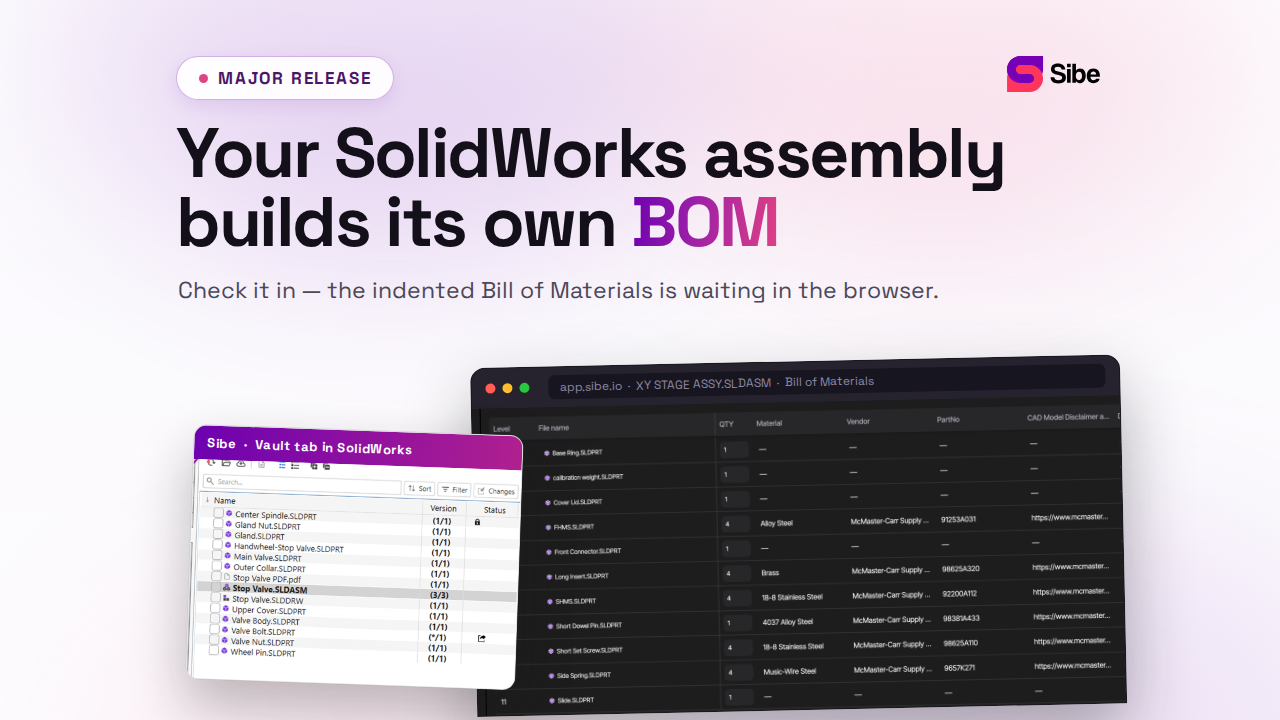
Engineers check files in and out directly in SolidWorks, and Sibe tracks every version. Reviewers open the model from a free public share link in any browser — no account, no viewer install.
- Revision and approval workflow with named approvers and a full audit trail
- Automatic version control on every check-in
- Release Candidates and Bulk Release — approve or reject a set of files in one pass
- Locked released files, with a recorded path back to In Progress
- Design reviews in the browser for clients and non-CAD teammates
No servers, no VPNs, no admin hassles.
Book a free 20-minute demo or try Sibe free for 14 days — no credit card.
Book a free Demo with Ken to see Sibe in action


Ken Maren
Chief Solutions Architect
SolidWorks Expert with 30+ Years Experience
Redirecting...
Demo bookings need a company email address. To use a personal one, choose Try Sibe for free below.