Engineering Change Order Risks and How to Avoid Them

Most failed engineering change orders trace back to five repeatable patterns — and every one of them has a control that stops it before it reaches the shop floor.
You can catch most engineering change order failures before they cost you a build, because nearly all of them follow the same five patterns: stale revisions, stalled approvals, unvetted changes, supply-chain surprises, and reviewers who never saw the change. Put a control in front of each pattern and the ECO stops being the risky part of shipping a revision.
Sibe is a collaboration-first CAD Document Management platform with a native add-in for SOLIDWORKS® 3D CAD. Revisions move through a revision and approval workflow, released files are locked, and every check-in lands in the audit trail — controls that cover a good share of the risks below.
1. Data and documentation risks
The risk: Version confusion. When multiple versions of CAD files, BOMs, or specifications circulate, teams build or order the wrong parts. A drawing or test procedure that missed the update does the same damage later, in production.
How to counter it:
- Keep one source of truth for every CAD file and its revision history
- Enforce strict revision control, with released versions locked against edits
- Update linked documentation — drawings, work instructions, service manuals — inside the ECO itself, not after it
- Connect engineering data to ERP/MRP so production always pulls the correct version
2. Process and execution risks
The risk: Stalled approvals and scope creep. An ECO without a defined scope grows until it causes rework, and approvals routed by email sit in inboxes while production waits.
How to counter it:
- Define a standard ECO workflow with named roles and responsibilities
- Run approvals digitally, with notifications instead of chased emails
- Separate minor and major change categories so small edits skip the heavyweight route
- Set a due date on every open ECO and review the ones that pass it
3. Product and quality risks
The risk: An unvetted change introduces new defects. Applied inconsistently across assemblies, it creates product variants that confuse customers or fail compliance checks.
How to counter it:
- Require simulation, testing, and DFM review before release
- Roll changes out in controlled phases and watch the quality data
- Keep a complete audit trail for audits and certifications, especially in regulated industries
- Verify the change landed in every assembly that uses the affected part
4. Supply chain and cost risks
The risk: A specification change that ignores the supply chain creates obsolete inventory, scrap, and unplanned tooling costs. A supplier who never got the update keeps shipping the old part.
How to counter it:
- Run an inventory impact analysis before the ECO is approved
- Notify suppliers early, through a portal or automated notification
- Set a cut-in date — effective from lot X — so old and new parts never overlap
- Price the tooling impact into the ECO decision, not after it
5. Communication and collaboration risks
The risk: Not everyone hears about the change at the same time. Manufacturing, procurement, or service teams get caught off guard, and a contract manufacturer three time zones away keeps building from last month's revision.
How to counter it:
- Push the update to every affected team at once, from one place
- Give each team a view of what changed and what it means for their work
- Let non-CAD reviewers see the actual model, not a screenshot of it
- Include customer-facing documents — manuals, datasheets, warranties — in the ECO scope
The controls that matter
Every fix above reduces to three things: one source of truth for revisions, approvals that move on their own, and updates that reach every affected team at the same time. An ECO process with those three holds. One without them leaks time and parts.
Where Sibe fits
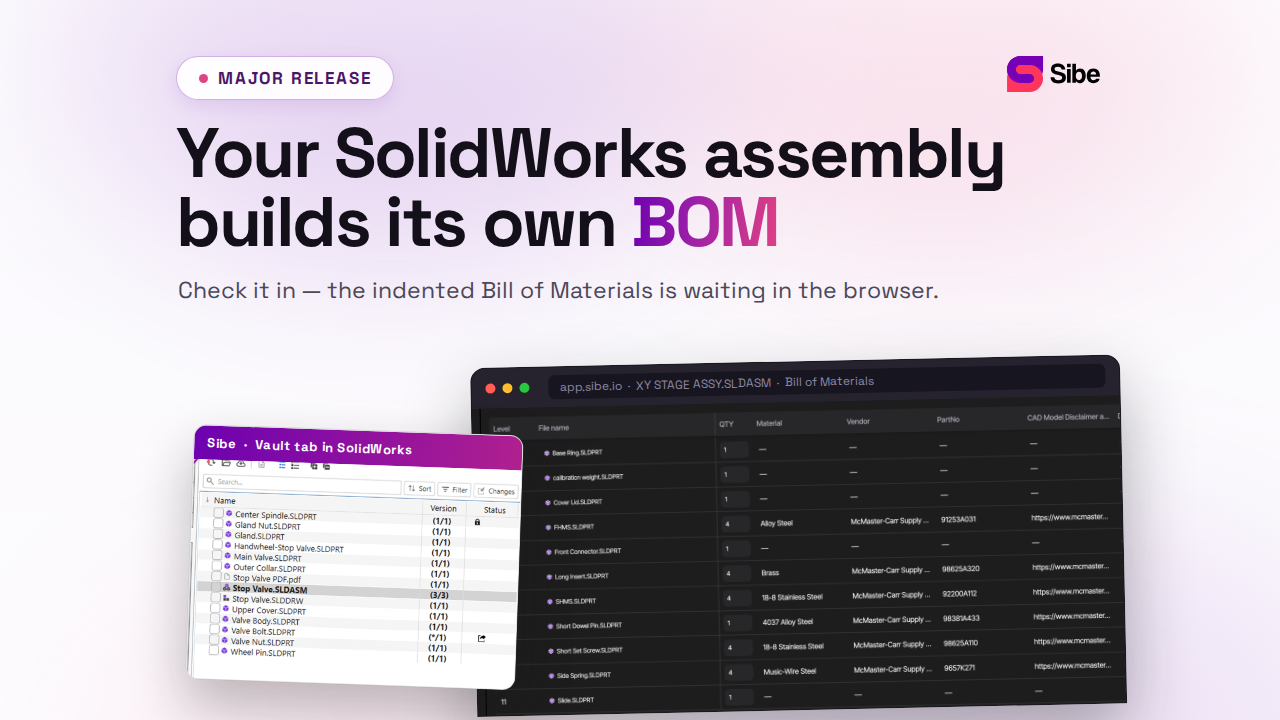
Sibe puts those controls under the SolidWorks workflow you already run. Files check in and out directly in SolidWorks, and Sibe records every version automatically — the stale-revision problem in risk #1 stops at check-in. Revisions move through In Progress and Released states in the revision and approval workflow: bundle files into a Release Candidate, review, then approve or reject in one pass. Released files are locked until someone deliberately transitions them back to In Progress, and every step lands in the audit trail your quality process asks for.
For the communication risks, design reviews run in the browser: send a free share link and a reviewer opens the live 3D model on any device, pins comments to the geometry, and approves — no CAD license, no Sibe account, no install.
No servers, no VPNs, no admin hassles. Book a free 20-minute demo or try Sibe free for 14 days — no credit card.
Book a free Demo with Ken to see Sibe in action


Ken Maren
Chief Solutions Architect
SolidWorks Expert with 30+ Years Experience
Redirecting...
Demo bookings need a company email address. To use a personal one, choose Try Sibe for free below.