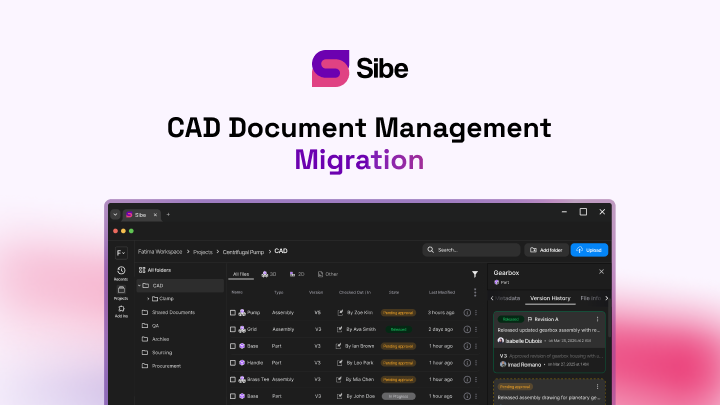
Is SolidWorks Browser-Based? What Runs in a Browser Today

Modeling stays on the desktop, but reviews, approvals, and 3D collaboration run in any browser — here is how SolidWorks teams split the work.
You can open a SolidWorks design in a browser today — spin it, measure it, comment on it, approve it — from any laptop, tablet, or phone. What you cannot do in a browser is run the CAD itself: SOLIDWORKS® 3D CAD is a desktop application, installed on Windows, and that is where the modeling happens.
That split — modeling on the desktop, everything downstream in a browser — is how distributed SolidWorks teams work today. Here is what runs where, and how to set it up.
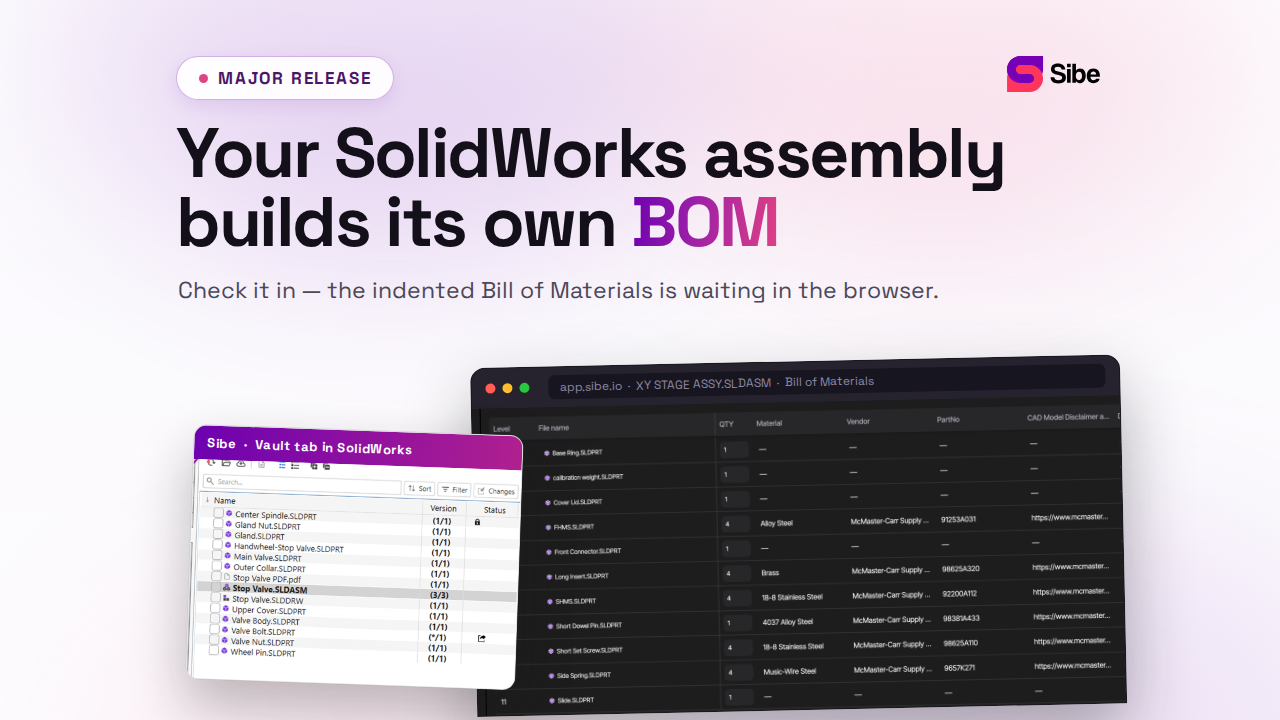
Sibe is a collaboration-first CAD Document Management platform with a native SolidWorks add-in. Engineers keep working directly in SolidWorks; reviewers, clients, and the shop floor open live 3D models and drawings in any browser through share links. It is the mechanism behind most of what follows.
The short answer
SolidWorks is not browser-based. It is a desktop application: it installs on a Windows machine and does its work on local CPU and graphics hardware. Parts, assemblies, drawings, simulation — the authoring work — all run on the desktop.
What has moved to the browser is everything around the model: viewing, measuring, markups, design reviews, approvals, version history, and file status. For most teams, that covers every person who is not actively modeling.
| Task | Where it runs |
|---|---|
| Part, assembly, and drawing work | SolidWorks on the desktop |
| Simulation and CAM | Desktop |
| Viewing a 3D model or 2D drawing | Any browser |
| Design review, markup, measurement | Any browser |
| Approvals and release status | Any browser |
| Version history and file status | Browser dashboard |
What Dassault Systèmes offers in the cloud
Dassault Systèmes connects desktop SolidWorks to its 3DEXPERIENCE platform, where data management and collaboration roles run as cloud services, some of them through a browser. The company also offers browser-based design applications on the same platform. Current packaging and requirements are published on solidworks.com (Dassault Systèmes product documentation, accessed 31 August 2026).
What a browser gives everyone who is not modeling
The people who need to see a design outnumber the people who edit it — purchasing, quality, manufacturing, clients, suppliers. A browser-based collaboration layer lets them:
- Open 3D models and 2D drawings without a CAD license or install
- Measure geometry directly in the browser viewer
- Pin comments to the exact part or drawing
- Approve or reject revisions from anywhere
- See who changed what, and when, in version history
- Check file and project status without interrupting an engineer
Design reviews in a browser, engineers still in SolidWorks
The setup that works keeps both sides in their own tool. Engineers check files in and out directly in SolidWorks through the Sibe add-in, and every check-in records a version. When a design needs eyes, you send a share link: the reviewer opens the live 3D model in any browser — no Sibe account, no viewer install — measures it, and pins comments straight on the geometry. The feedback lands back with the design team, tied to the exact file and version, and approvals run through the same review. The full flow is on the design reviews page.
Every share link also carries a QR code. Print it on a drawing or a traveler, and whoever scans it opens the current model in the browser — useful on a shop floor where nobody has SolidWorks and paper drawings go stale. Role-based permissions and download restrictions decide what an outside viewer can take with them; see secure design sharing.
Remote work without opening the network
Browser access solves the reviewers. For the engineers, the question is where the files live. With Sibe, the workspace is in the cloud: an engineer at home checks files in and out directly in SolidWorks over an ordinary internet connection, the local cache folder mirrors the project structure, and assembly references resolve automatically — including parts shared across projects. There is no VPN to stand up and no server to reach. How distributed teams run this day to day: remote team collaboration and cloud version control.
What still needs the desktop
Modeling, drawing production, simulation, and CAM stay on the workstation — that is CPU- and GPU-heavy work, and it is what the SolidWorks seat is for. The browser layer does not replace the seat; it removes the exports, screenshots, and email chains that used to surround it.
Common questions
Can a reviewer edit the model in the browser?
No. The browser viewer is for viewing, measuring, and commenting. Edits happen in SolidWorks, where the engineer checks the file out, makes the revision, and checks it back in — the share link then shows the current state.
Does a viewer need an account or a license?
No. A Sibe share link opens in any browser with no Sibe account and no viewer install. That is what makes client and supplier reviews practical: you send a link, they open it.
What hardware does a browser review need?
Any current laptop, tablet, or phone. The model renders in the browser, so the reviewer's machine does not need CAD-grade graphics.
Where Sibe fits
If the question behind "is SolidWorks browser-based?" is really "how do we get reviews, approvals, and file control without buying everyone a license," that is the job Sibe does. Engineers keep modeling in SolidWorks with check-in, check-out, and automatic version history; everyone else works from a browser — live models, comments, approvals, QR codes on drawings. You are live in under 20 minutes. No servers, no VPNs, no admin hassles. Book a free 20-minute demo or try Sibe free for 14 days — no credit card.
Book a free Demo with Ken to see Sibe in action


Ken Maren
Chief Solutions Architect
SolidWorks Expert with 30+ Years Experience
Redirecting...
Demo bookings need a company email address. To use a personal one, choose Try Sibe for free below.
.png)