Collaborative Product Data Management: A Practical Guide

What collaborative product data management looks like day to day for an engineering team — the components that matter, how to roll one out, and where the security and deployment lines fall.
You can run a design project where every engineer, reviewer, and supplier is looking at the same current file, and where the history of how it got there is readable months later. That is what collaborative product data management gets you, and most of the work is in choosing the right setup rather than in the software itself.
This guide covers what collaborative PDM means in practice, the components that matter, how to roll one out without stalling a project, and the security and deployment questions to settle before you sign anything.
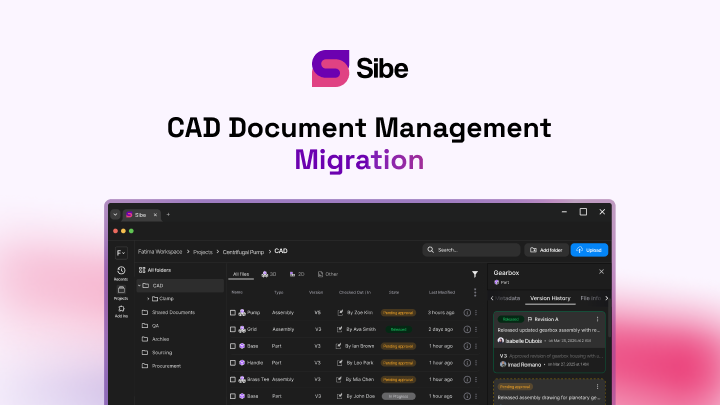
Sibe is a collaboration-first CAD Document Management platform with a native add-in for SOLIDWORKS® 3D CAD. Engineers check files in and out directly in SolidWorks, Sibe tracks every version, and non-CAD reviewers open the model through a free public share link in any browser. If collaboration is the reason you are reading this, that is the part most setups get wrong.
Key takeaways
- Collaborative PDM cuts development time by keeping everyone on one current file
- Cloud deployment lets distributed teams work together without a VPN
- CAD and enterprise integrations turn scattered tools into one product record
- Automated approval routes cut manual error and give you an audit trail
- Permission controls protect the IP while still letting outsiders review a design
What is collaborative product data management?
Collaborative product data management (PDM) is a way of controlling product information across its life, built so several people can work on it at once. Where a plain PDM concentrates on storing files, a collaborative one adds the parts that make teamwork work: shared review, concurrent engineering, and visibility into who is doing what.
Underneath, it is still a central, secure repository with version control, change management, and role-based access. The collaborative layer sits on top — comments tied to a component, notifications that reach the right person, and review sessions that include people who do not run CAD.
The business case
Teams that put a collaborative PDM in place usually report shorter development cycles and fewer engineering change orders. The gains come from three places.
Faster time to market
Concurrent engineering lets several people work on different parts of the same project at the same time. A sequential process — design, then review, then release — becomes a parallel one. The waiting between steps is where most of the schedule goes, and that is what collapses first.
Fewer errors and less rework
Rework from a wrong file is the most expensive kind of mistake, because it usually surfaces after material has been cut. Collaborative PDM reduces it by:
- Serving the latest version by default, so nobody opens a stale design
- Routing approvals so a release gets reviewed before it ships
- Keeping discussion attached to the component rather than in an inbox
- Flagging missing references and broken links before release
Better cross-functional work
Product development pulls in engineering, manufacturing, purchasing, quality, and often sales. Collaborative PDM breaks the information silos between them by:
- Holding one source of truth for the product record
- Giving each role a view suited to what they need to see
- Anchoring discussion to a specific part or assembly
- Bringing manufacturing into the conversation early rather than at release
Earlier input means fewer late design revisions, and late revisions cost several times what the same edit costs at concept stage.
Core components of a collaborative PDM system
Five capabilities do most of the work. Judge any platform on these before you look at anything else.
Central data repository
The foundation is a secure, central store for product files and the data about them. For collaborative use it needs:
- Multi-format storage — CAD, drawings, documents, specifications, test results
- Metadata and custom properties you can search and filter on
- Access control set per role, project, or folder
- Room to grow without slowing down as the vault fills
Version control and change management
Collaboration needs a readable history. Look for:
- Automatic version tracking with a change log per file
- Check-in and check-out, so two people never edit the same part at once
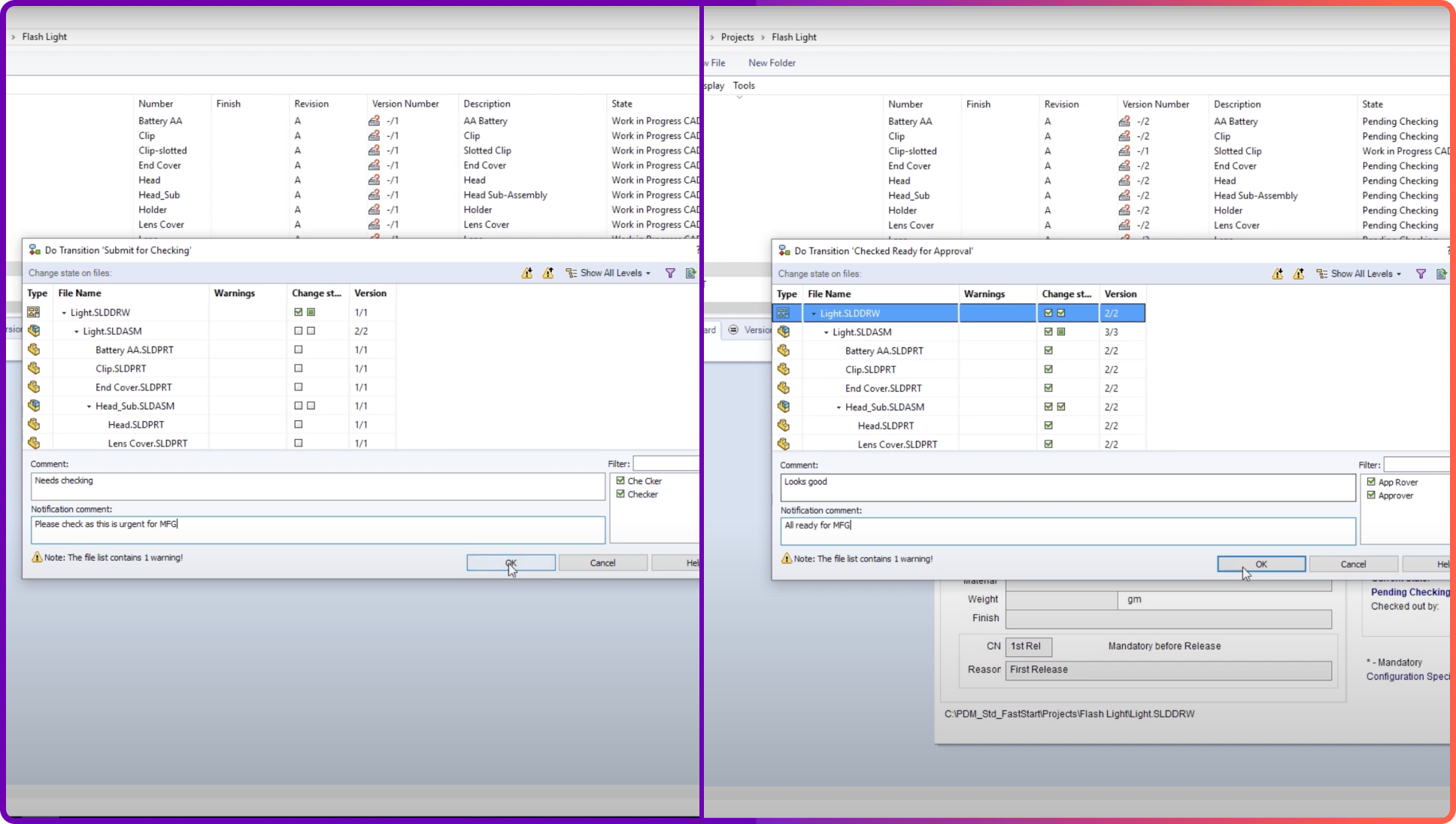
- A structured change request and approval route
- A full audit trail for regulated work
Version control is the part teams underestimate. See how it works in practice on cloud version control for SolidWorks.
Review and markup tools
Beyond file management, the features that actually make a team collaborate:
- Comment threads attached to a specific component or assembly
- Visual markup on the model, not on a screenshot
- Notifications that tell the right person a file moved
- Task assignment with a visible owner
- Review sessions several people can join at once
For how this plays out with clients and non-CAD teammates, see SolidWorks design reviews.
Workflow automation
Automated routes keep work moving and stop things falling through the cracks:
- Approval sequences configured to match your own release process
- Automatic routing of documents to the right reviewers
- Status tracking, so you can see where a release is stuck
- Escalation when an approval sits too long
- Email or chat notifications on state changes
Detail on how a release path is built: revision and approval workflow.
Integrations
No PDM lives alone. The connections that matter:
- CAD integration — SolidWorks, Autodesk, Siemens NX
- ERP connectivity for bill of materials and production planning
- PLM integration where lifecycle visibility extends past release
- Project management tools, so schedule and design data line up
- Authentication — Active Directory, SSO
The CAD integration is the one to test first. If engineers have to leave their modeling window to check a file in, adoption stalls in week two.
Rolling one out: what works
Assess where you are now
Before you shortlist a platform, write down how the team works today:
- Map the current process from first sketch to released drawing
- Name the three places files most often go wrong
- Check what your network and IT setup can actually carry
- List the systems the new platform has to talk to
Phase the rollout
A single switch-over date rarely survives contact with a live project. A phased approach works better:
- Start with one team or one product line as a pilot
- Turn on the core first — repository, check-in, version history
- Add approval workflows once people trust the basics
- Expand to other departments using what the pilot taught you
An example timeline
- Months 1–2: setup and configuration
- Months 2–3: data migration and engineering pilot
- Months 4–5: manufacturing and quality join
- Months 6–8: ERP and other enterprise connections
- Months 9–12: full rollout and process clean-up
A cloud platform compresses the first block considerably — there is no server to specify, order, and configure before anyone can log in.
Train by role, not by feature
Adoption decides whether this works. Build training around what each person does:
- Role-specific sessions — designer, reviewer, manager, admin
- Hands-on work on a real project rather than a demo dataset
- A one-page reference for the five things people do daily
- Two or three internal power users who answer questions locally
- A short refresher when new features land
Standardize names and properties
Collaboration falls apart on inconsistent data. Agree these before migration, not after:
- A file naming rule everyone follows, including for revisions
- Required custom properties per document type
- Templates for the documents you produce repeatedly
- A written description of the release process, one page long
Cloud or on-premises
The deployment choice shapes cost, setup time, and who administers the thing. Both models are legitimate; they suit different teams.
Where cloud fits
- Access: team members reach the data from any location with a connection
- Low admin load: the provider runs maintenance, updates, and patches
- Growth: adding users or storage is a plan change, not a purchase order
- Cost shape: a per-seat subscription instead of capital spend up front
- Setup time: a working vault in days rather than a quarter
Where on-premises fits
- Control: full administrative authority over configuration and security
- Local performance: large files move at LAN speed inside one building
- Data residency: easier where a contract names where data must sit
- Customization: deeper options for tailoring to an unusual process
- Licensing: a perpetual license can work out cheaper for a stable, static team
Hybrid setups
Plenty of organizations mix the two:
- Core data on-premises, with cloud tools for review and external sharing
- Local storage for working CAD files, cloud for the management layer
- Internal teams on the on-premises system, partners on a cloud portal
- A phased move, where one product line runs in the cloud first
Security in a collaborative setup
Sharing more widely raises the stakes on access control. The point is not to lock everything down — it is to make each level of access deliberate.
Access control and authentication
- Role-based permissions tied to what a person's job needs
- Multi-factor authentication on admin and sensitive-project accounts
- Single sign-on against your existing identity provider
- Time-limited or revocable links for external reviewers
Protecting the data
- Encryption in transit and at rest
- Controlled sharing for suppliers and clients, with a record of who opened what
- Download controls where the model itself must not leave
- Automated backup and a documented recovery process
Audit and compliance
- An audit trail covering every check-in, approval, and permission change
- Regular security review and vulnerability testing by the vendor
- Compliance evidence for ITAR, GDPR, ISO, or FDA work
- A defined process for responding to a security incident
Detail on sharing outside the company without losing that record: secure design sharing.
Where collaborative PDM is heading
Search and classification get smarter
- Search that understands context and part relationships, not just file names
- Automatic classification and tagging from file metadata
- Duplicate detection across projects and libraries
- Suggestions that surface a related part somebody already modeled
Immersive review
- Virtual design reviews with the assembly at full scale
- AR-assisted assembly and maintenance instructions
- Remote expert support over a shared view of the same model
- Training built on the design data rather than a separate manual
Digital thread and digital twin
- Traceability from requirement through to how the part performs in service
- Field data feeding back to the design team
- Simulation-driven validation against the current design
- Maintenance planning based on real operating data
When a team is ready for this
Most teams do not need a full evaluation to answer this. Four signs say it is time:
- Someone has opened the wrong revision in the last month
- Files move to reviewers as email attachments or shared-drive links
- More than one person edits CAD, in more than one location
- A customer or auditor has asked for revision history you had to reconstruct
FAQs
How does collaborative PDM differ from PLM?
They are related but not the same. PDM manages design data, documents, and related information during development. PLM extends that management across the whole product life, from concept through to retirement. Collaborative PDM usually sits inside a broader PLM strategy, and for most small and mid-sized manufacturers it is the piece that pays for itself first.
Which organizations benefit most?
Companies of any size can use it, but the return is largest where these apply:
- Teams spread across more than one location
- Products with several subsystems and shared library parts
- Development that crosses engineering, manufacturing, and quality
- Work with external partners, suppliers, or contract manufacturers
- Regulated industries with documentation requirements
How do we measure the return?
Track a small number of things before and after:
- Development cycle time per project
- Engineering change orders and rework hours
- Time spent finding the right file
- Duplicate or redundant files in the vault
- First-time-right rate at manufacturing
How do large CAD files perform in a collaborative setup?
Performance comes down to what moves over the network. The approaches that work: a local cache so working files open from disk, lightweight formats for browser viewing, selective download of only the components you need, and transferring deltas rather than whole files on check-in. Ask any vendor how their cache behaves when the connection drops mid-operation.
How do we get people to actually use it?
Adoption is a process question more than a software one:
- Involve the engineers who will use it in the selection
- Say plainly what problem it solves for them, not for management
- Train by role, on a real project
- Name a champion in each department
- Start with a visible, high-value use case and share the result
Conclusion
Product data management moved from file storage to a shared working environment, and that shift is what makes distributed engineering practical. As products get more complex and teams spread out, the ability to work together across distance and discipline is the thing that decides how fast you ship.
A collaborative PDM setup shortens development, improves quality, and lowers cost — mostly by removing the ambiguity about which file is current and who has approved it. The technical requirements are modest. The organizational ones — naming, ownership, a written release process — are what take the effort.
Where Sibe fits
Not every team is at the point of standing up a PDM. If you are two to thirty engineers, have no full-time admin, and would rather not buy a server this quarter, cloud CAD document management covers version control, revision workflows and design reviews without any of that.
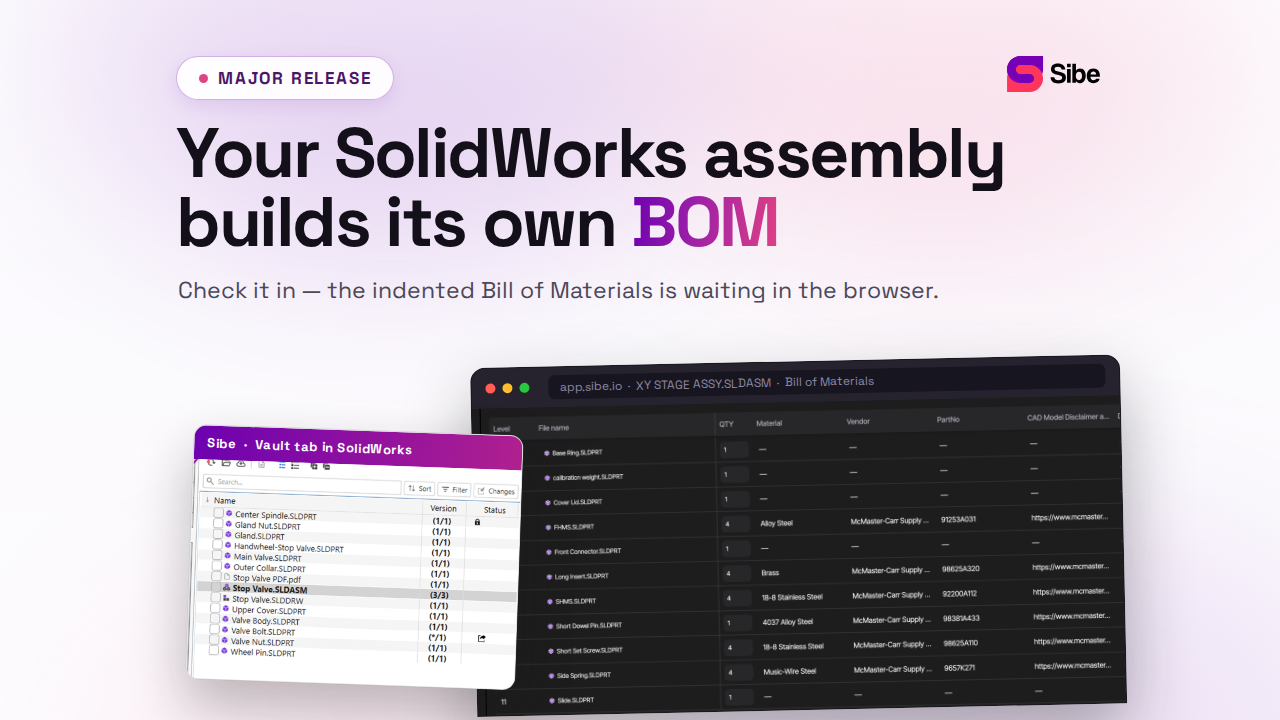
Sibe runs as a native SolidWorks add-in. Engineers check files in and out directly in SolidWorks, and Sibe tracks every version as the work goes. Assembly references resolve automatically, including parts shared across projects, and a local cache folder mirrors your folder structure so the paths on disk stay familiar.
Collaboration is the part that usually decides whether a setup sticks. You send a client, a machinist, or a project manager a free public share link or a QR code. They open the model in any browser, spin it, measure it, and leave a comment. No Sibe account, no viewer to install.
- Automatic version and revision control on every check-in
- Approval workflow with a full audit trail on every release
- Internal and external collaboration in one place
- Remote team collaboration with no tunnel to the office
- Transparent per-seat pricing, live in under 20 minutes
No servers, no VPNs, no admin hassles.
Book a free 20-minute demo or try Sibe free for 14 days — no credit card.
Book a free Demo with Ken to see Sibe in action


Ken Maren
Chief Solutions Architect
SolidWorks Expert with 30+ Years Experience
Redirecting...
Demo bookings need a company email address. To use a personal one, choose Try Sibe for free below.
.png)