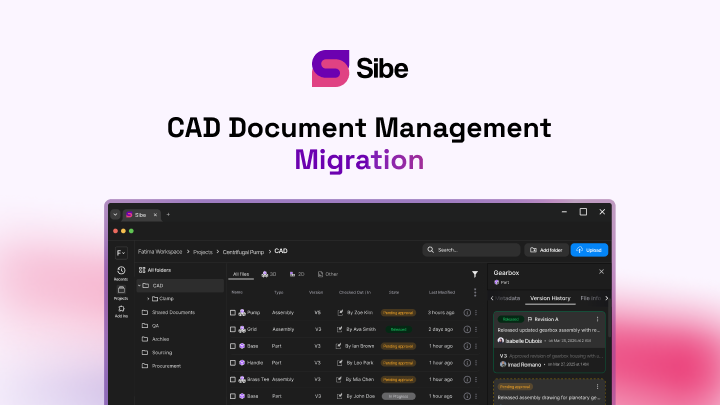
CAD Document Management: A Modern Guide for SolidWorks

You can open any assembly and know it is the current one, with every reference intact and every revision accounted for. That is what CAD document management buys you. Most of the work on a product happens after the first CAD file is saved, so what matters is not only the geometry but everything attached to it.
SolidWorks was built to work with third-party applications for rendering, stress analysis, product data management and more. The platform ships with built-in options, and many companies choose alternatives on cost, usability or fit. Either way, the CAD geometry is one part of a much larger set of product information.

What actually defines your product
The data that defines a product does not come only from engineering. Purchasing, manufacturing, assembly, quality and service all contribute, and all of it belongs with the design files.
Geometry alone will not tell you the material, the process, the supplier, or where else the part is used. It will not tell you when the documentation was released to manufacturing, or what test fixtures the assembly needs. That is metadata, and it has to stay attached to the design.
Why folders stop working
Most teams start with CAD files in Windows folders, an informal release process and naming conventions that drift. It works until it does not.
SolidWorks documents are unforgiving here. Assemblies and external references break when files are moved or renamed the wrong way, and the rules for keeping them intact are complex enough that few people follow them consistently.
The failures compound. Files get overwritten. Links break. Searching a folder tree is slow. There is no reliable way to produce a Bill of Materials that covers both off-the-shelf hardware and the non-geometric items, such as firmware, paint specifications and lubricants.
SolidWorks also does not look in one place for its references. It checks several locations before it reaches the last known save location, and that behavior makes manual management steadily less workable as the product grows.

Who gets to see what
Design data is only useful if the right people can reach it, and only safe if the wrong people cannot. A sales rep quoting from a superseded design or a vendor opening an unreleased prototype are both real costs.
In a manual system, access control lands on IT, and it never stops. When the folder structure keeps changing, keeping permissions correct becomes a job nobody has time for.
Change is the rule, not the exception
No design is finished at first release. Revisions arrive as feedback lands and reality intervenes.
Every company handles change differently, but routing paper prints between departments is slow and easy to get wrong. The weak point is not the technology. It is that the process depends on people remembering to follow it, and the heavier the procedure, the more workarounds appear.

Manual systems demand the most expertise to run, and they usually sit with the teams least equipped to run them. That gap is what drives teams to look for something better.
What an automated system does instead
Automated systems build the practices into the software and leave room for how each company actually works. Extend the same idea from design data through change data to the whole lifecycle and you have product data lifecycle management.
Underneath, a relational database holds information tied to part numbers, assemblies and configurations. It tracks shared components such as hardware and consumables, and records where every part and subassembly is used. The files themselves live in a vault, on internal servers or in the cloud.
Pull an assembly from the vault and the system already knows the current revision of every referenced document, and copies them to your working directory. How SolidWorks resolves external references, how revisions are handled, which rules apply — none of that is yours to manage.
References stay intact throughout, including in-context relationships and external links. For SolidWorks users that removes the single largest source of broken files, because the rules are enforced by the system rather than remembered by a person.
In practice: an engineer builds a subassembly of several parts, each with a 3D model and a 2D drawing. Manufacturing drives CNC tool paths from the models. Quality checks dimensions against the drawings. Assembly works from a build and test document. All of it sits in the vault, linked in the database, traceable to the part it belongs to.
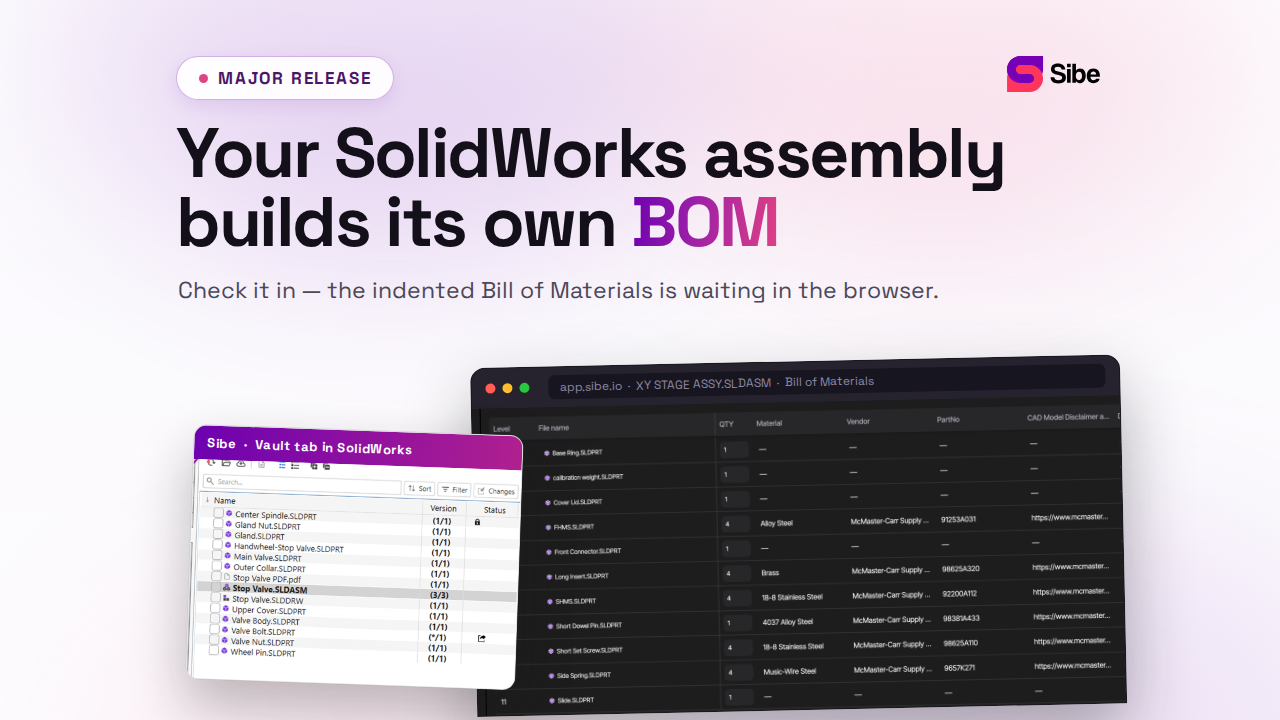
Sibe keeps that vault in the cloud. Engineers check files in and out directly in SolidWorks, assembly references resolved, with no server to stand up and nothing to administer.
Routing a change without paper
A full lifecycle system can run the change process end to end. You define the flow your company already uses, and the system carries the markups, sign-offs and routing along it. For the departments a change has to pass through, that is the difference between days and hours.
Anyone who can raise a change gets a viewer for every file type in the vault, with markup, so a non-specialist can show what needs to change rather than describe it. The change document links to every affected file, and comments sit on the geometry where the conversation belongs.
Put the vault in the cloud and the same review runs across sites. In Sibe, a reviewer opens the model in a browser through a share link and comments on the part — no CAD license, no account.

Permissions, revisions and the person who runs it
Access is granular. Engineering holds full rights to design files and read-only rights to manufacturing documents. Manufacturing reads and writes CNC data. Quality views. The system tracks who can see and change what.
Revisions are controlled the same way. Each part number carries a description, a revision level, a status — pre-release, released, obsolete — and whatever else you need, all of it searchable. Roles decide who can view, print, edit, create or delete, and one person can hold several roles.
Every implementation needs an administrator, usually shared between IT and engineering. The role wants someone who understands both the database and how products actually get developed, and who is comfortable with every format the lifecycle produces: models, simulation results, spreadsheets, documents and images.
Where this leaves you
CAD data is worth something only when it is managed, shared and controlled. Folders hold up for a while, then complexity and change break them.
An automated system turns those files into the version everyone trusts: fewer mistakes, faster reviews, and a history you can defend.
Want to see it on your own assembly? Book a free 20-minute demo.
Book a free Demo with Ken to see Sibe in action


Ken Maren
Chief Solutions Architect
SolidWorks Expert with 30+ Years Experience
Redirecting...
Demo bookings need a company email address. To use a personal one, choose Try Sibe for free below.
.png)