
SolidWorks ERP integration,
straight from your released files
Redirecting...
- 14-day free trial
- No credit card required
- Quick setup in under 20 minutes
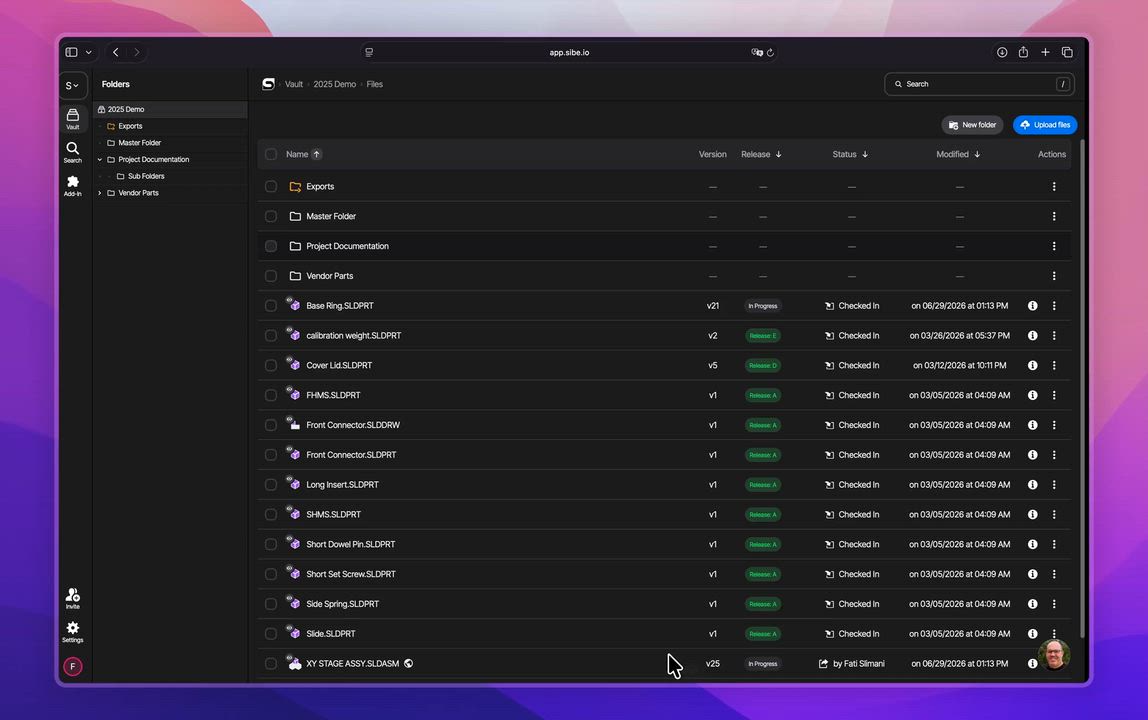
ERP integration for SolidWorks engineering teams
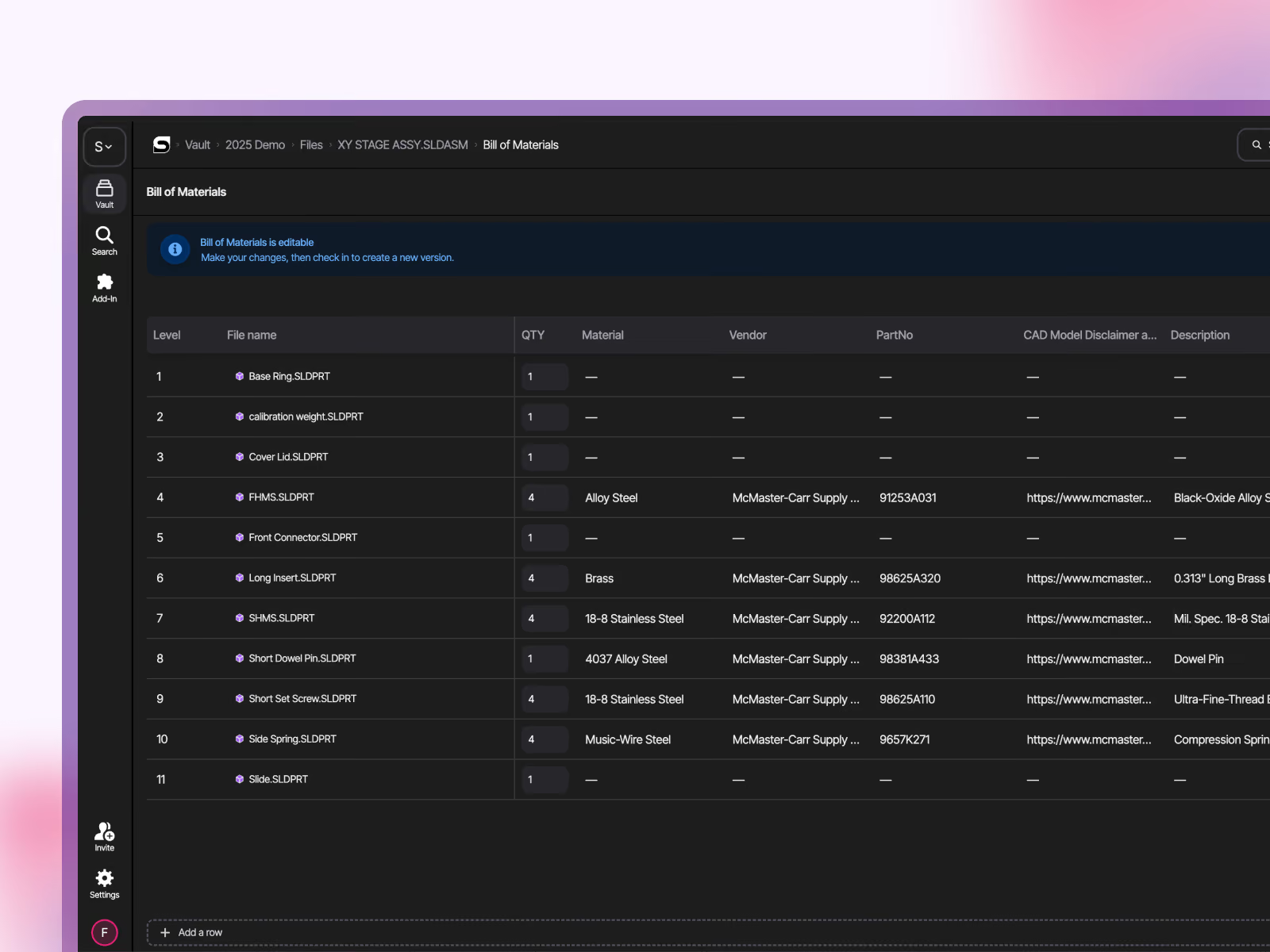
Push released BOMs into your ERP
Release an assembly in Sibe and your ERP can pull its Bill of Materials the moment it is approved: every subassembly, part and quantity, with the custom properties you already maintain in SolidWorks. Your sync job reads one endpoint per assembly, or up to 50 assemblies in a single call, and only the versions that changed since it last ran.
No CSV exports, no re-keyed part lists, no one asking which BOM is current.
Hand production files to manufacturing automatically
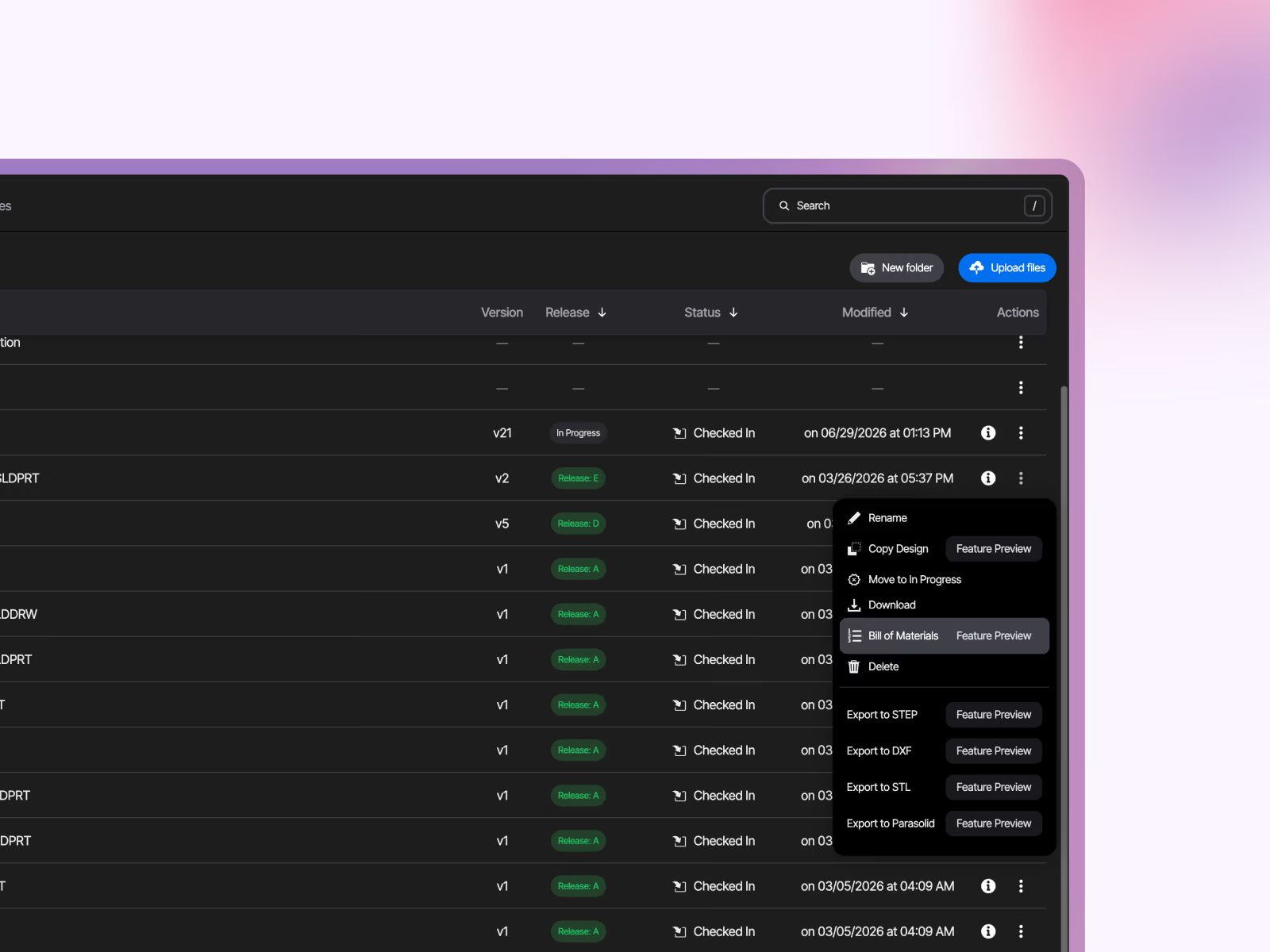
With Automated Exports on, every release generates the PDF, STEP, DXF and DWG files for that version. Your MES, ERP or shop-floor system pulls them through the API for the exact revision, so nobody opens SolidWorks to export a drawing for the shop.
Need many files at once? Start a bulk download job and fetch them as one archive.
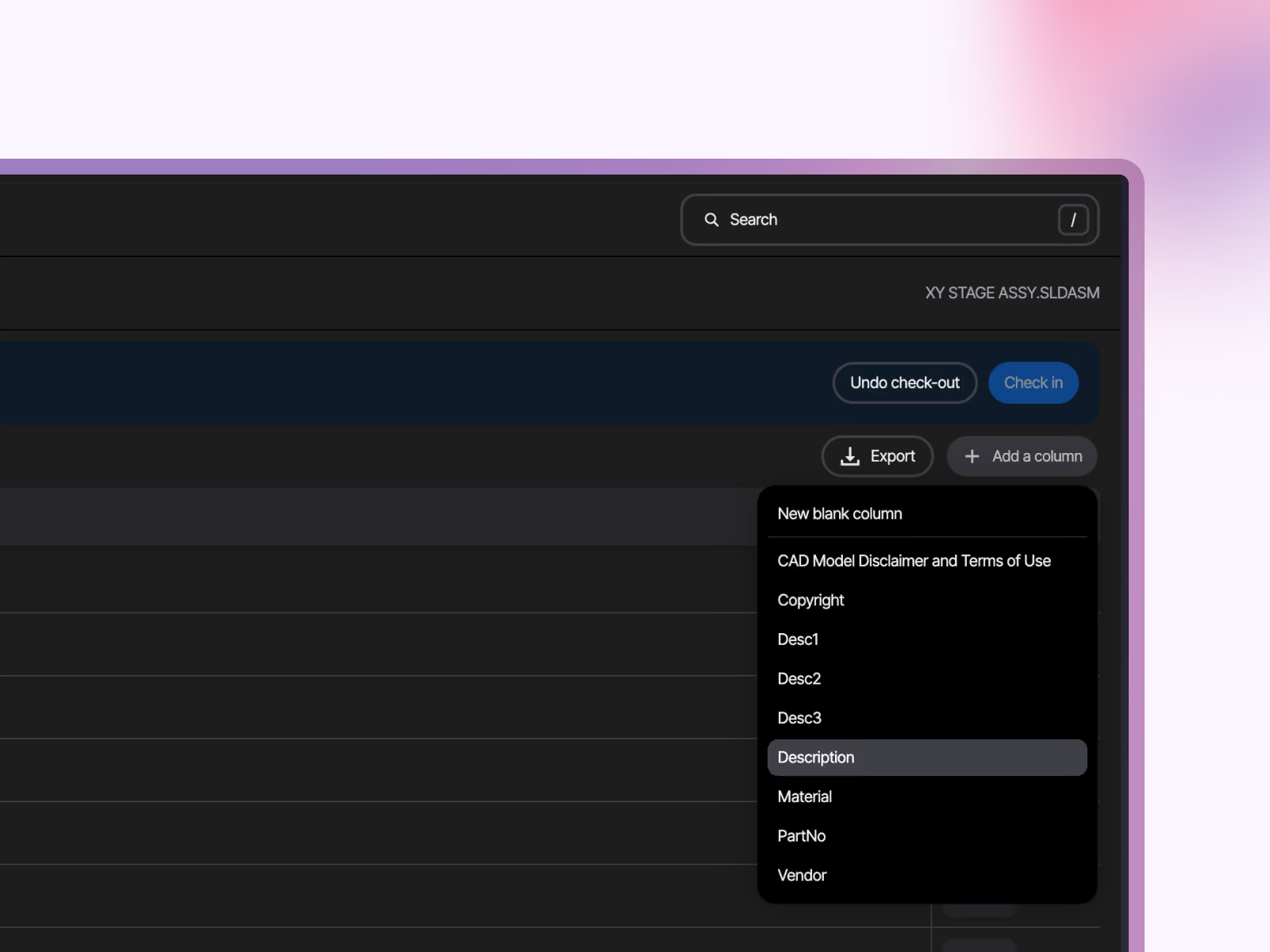
Write ERP codes back to your parts
Your ERP assigns the item number, Sibe stores it on the part. A ReadWrite token can set, change or clear custom properties on a file and on each of its configurations: item numbers, supplier codes, costing fields, anything your ERP owns. On SolidWorks files the value is written into the file itself, so engineers see it in the part's custom properties in SolidWorks.
Every change creates a new version with the author recorded. Nothing is written to a released or checked-out file.
Show the live model inside your ERP or intranet
Copy the embed code from a Visitor Link, paste it into your ERP record, work order or intranet page, and the 3D model opens right there, in any browser, with no Sibe account needed. Purchasing checks the part they are ordering, the shop floor rotates the assembly next to the traveler, and the link always opens the latest version of that model.
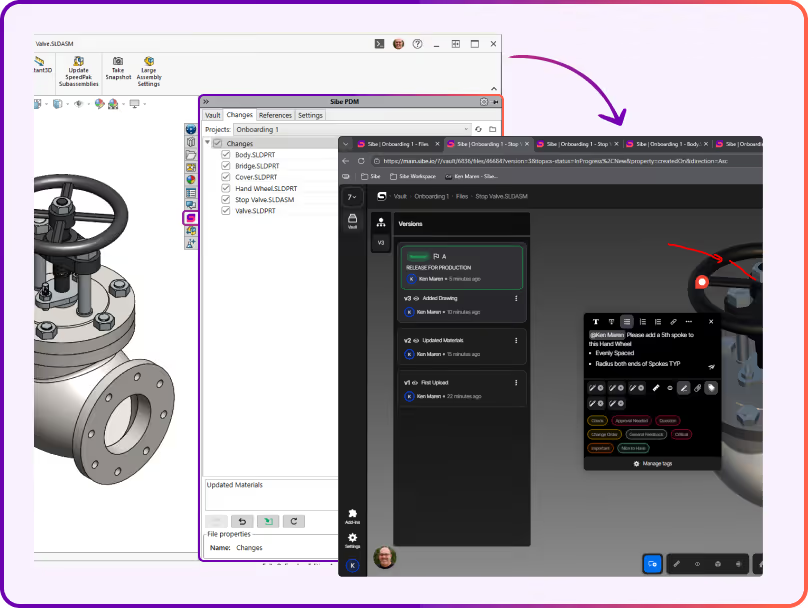

One REST API for everything in your vault
Folders, files, versions, configurations, BOMs and production files, over HTTPS with JSON responses
Personal access tokens with Read or ReadWrite scope, created and revoked in the Web Dashboard
A changes feed and batch endpoints, so a sync job picks up only what changed since its last run
Interactive Swagger reference and a getting-started guide: first request in under five minutes
"We're remote. The designer is in Philadelphia, our CTO is in Miami, and I'm in Austin. We needed a way to design, review, and release without everyone sitting in the same place, or even in the same software."

Alberto Lopez
Chief Executive Officer,
Sunfish
"Our SolidWorks files carry structured product data that people outside the CAD team regularly need to access. Bridging that gap was essential for our global growth."

Dean Pascasio
CAD Engineering Lead,
Nordair Systems
Enterprise-ready Security & Privacy
Everything in Sibe is designed to keep your work safe and secure.
Because your business is nobody else’s business.

SOC 2 Audited
Audited for Service Organization Controls (SOC 2 Type II) compliance.

Data Encryption & Backups
AES-256 encryption with daily backups and disaster recovery protocols.

Google Cloud Partner
Hosted on Google Cloud with data centers in Europe and the United States.
Frequently Asked Questions
Which ERP systems does Sibe integrate with?
Is the Sibe API read-only?
No. A token with the ReadWrite scope can add, change and delete custom properties on files and on their configurations, for example to write ERP item numbers back to parts. Check-in, check-out and releases stay in the SolidWorks add-in and the Web Dashboard.
Which plan includes API access?
API access is included on the Scale plan and is rate-limited. If your integration needs higher limits, switch on the Increased API limits add-on. Enterprise plans include production API access. Current prices are on the pricing page.
How do we keep the integration secure?
Each token acts as the person who created it and sees only the folders that person can see in Sibe. Tokens are created and revoked under Settings in the Web Dashboard, all traffic runs over HTTPS, and every property change the integration makes appears in the file history with the token owner as the author.
Is Sibe affiliated with SOLIDWORKS or Dassault Systèmes?
No. SOLIDWORKS is a registered trademark of Dassault Systèmes SolidWorks Corporation. Sibe is an independent product and is not affiliated with or endorsed by Dassault Systèmes.
Book a free Demo with Ken to see Sibe in action


Ken Maren
Chief Solutions Architect
SolidWorks Expert with 30+ Years Experience
Thank you for requesting a demo.
Our Customer Success team will be in touch within one business day to arrange a suitable time.
Alternatively, please select a time slot directly from the calendar below.
Thank you for your interest!
Our Customer Success team will get back to you within one business day to schedule the demo call.